Can I use Auto Typer in games?
Auto Typer will type in any window, including games, but many games block or ignore text input for security reasons. It works best in applications designed to accept keyboard input.
What happens if I press my hotkey by accident?
The text types immediately wherever your cursor is. Choose distinctive hotkey combinations to avoid accidental triggering, like Ctrl+Alt+number instead of single letters.
Can I store different macros for different purposes?
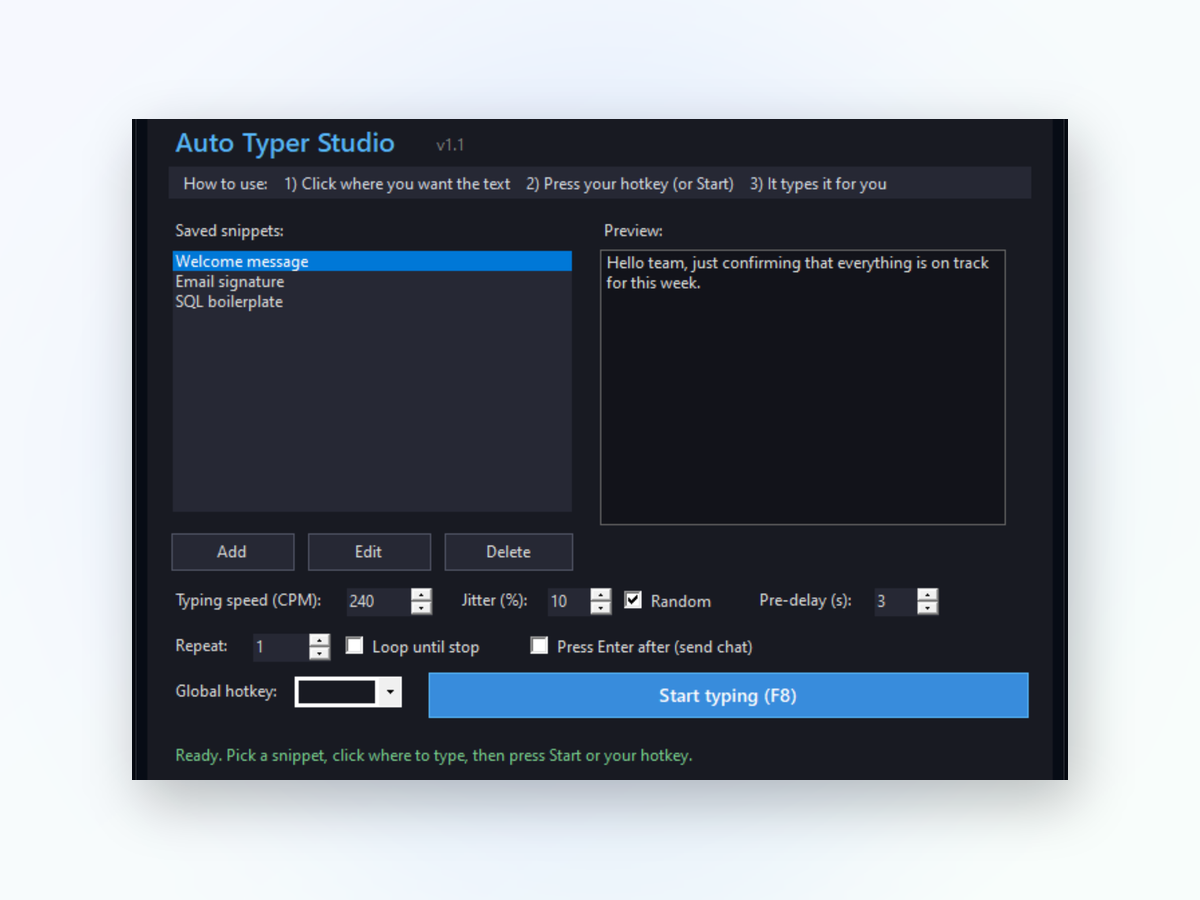
Yes. You can create as many macros as you need, each with its own hotkey and text. Organize them however makes sense for your work.
Does Auto Typer use much CPU or memory?
No. Auto Typer is lightweight and uses minimal resources. It only activates when you press your hotkey, then returns to idle.
Will it work with my keyboard layout?
Auto Typer uses your system's keyboard layout, so it respects whatever language or layout you have configured in Windows.
Can I include special characters or line breaks?
Yes. You can type anything you can normally type, including special characters, spaces, and line breaks to create multi-line text blocks.
Is my text data stored anywhere?
All your macros are saved locally on your PC. Nothing is uploaded or shared with external services.